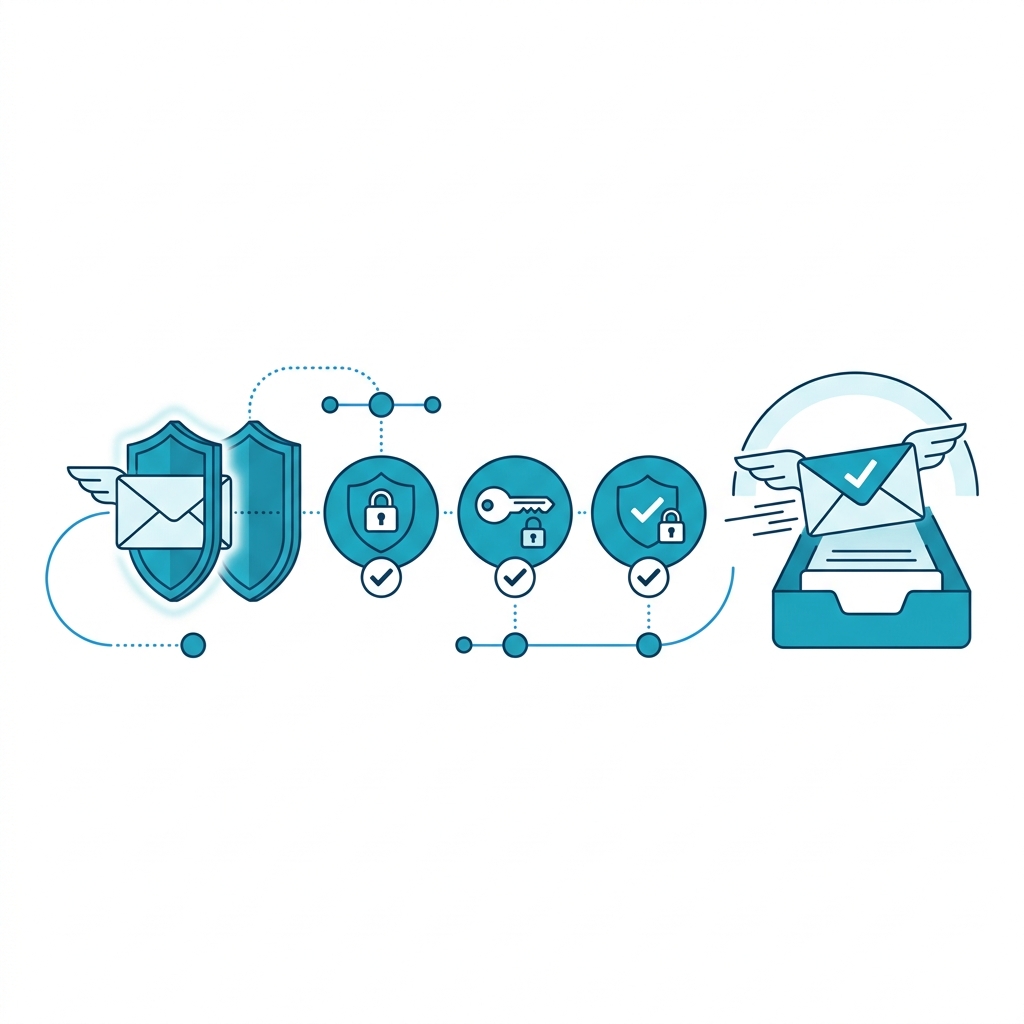
Your email copy does not matter if your emails land in spam. Deliverability is the technical foundation that determines whether prospects see your messages or never know they exist. Most recruitment agencies skip this step and wonder why their campaigns produce zero replies.
Key Takeaways
- SPF, DKIM, and DMARC are required — not optional — for cold email
- Use separate domains for outbound (never send cold email from your primary domain)
- Domain warming takes 14–21 days before sending real campaigns
- Keep daily send volume under 50 emails per mailbox during warming
- Bounce rates above 5% damage your sender reputation permanently
Why Does Deliverability Matter More Than Copy?
A prospect cannot reply to an email they never see. Email providers (Google, Microsoft, Yahoo) use sender reputation scores to decide whether your email reaches the inbox, lands in the promotions tab, or goes straight to spam.
Sender reputation is determined by:
- Domain age — New domains have no reputation. They need warming.
- Authentication records — SPF, DKIM, and DMARC tell email providers your emails are legitimate.
- Engagement signals — Open rates, reply rates, and spam complaints influence future delivery.
- Bounce rate — High bounces signal that you are sending to unverified or outdated lists.
What Is SPF, DKIM, and DMARC?
These are DNS records that authenticate your email. Think of them as identity verification for your sending domain.
- SPF (Sender Policy Framework): Tells email providers which servers are allowed to send email on behalf of your domain. Without it, anyone can spoof your address.
- DKIM (DomainKeys Identified Mail): Adds a digital signature to each email. The receiving server verifies the signature to confirm the email was not altered in transit.
- DMARC (Domain-based Message Authentication): Tells email providers what to do when SPF or DKIM checks fail — reject, quarantine, or accept the message.
All three must be configured correctly. Missing any one of them increases the chance your emails are flagged as suspicious.
How Do You Warm a New Sending Domain?
Domain warming is the process of building sender reputation gradually. Here is the standard approach:
- Week 1: Send 10–20 emails per day to engaged recipients (colleagues, existing contacts, warm leads). Focus on generating opens and replies.
- Week 2: Increase to 30–40 emails per day. Mix in some cold contacts but keep the ratio tilted toward warm.
- Week 3: Scale to 50+ emails per day. Begin your actual outbound sequences with verified contacts only.
During warming, monitor your open rates daily. If open rates drop below 30%, slow down. You are sending too fast for your current reputation level.
Why Should I Use a Separate Domain for Outbound?
If you send cold email from youragency.com and your reputation gets damaged, your regular business emails (client communications, invoices, contracts) will also land in spam.
Use a separate domain like youragency.io or mail-youragency.com for outbound. If something goes wrong, your primary domain stays protected.
Set up multiple mailboxes on the outbound domain (3–5 mailboxes) to distribute sending volume and reduce per-mailbox limits.
What Daily Send Volume Is Safe?
- Per mailbox: 30–50 emails per day for cold outbound
- Per domain: 150–250 emails per day (across all mailboxes)
- Total monthly capacity: 5,000+ emails with 3–5 warmed mailboxes
Exceeding these limits triggers rate-limiting and spam flags. It is better to add more mailboxes than to push volume through fewer accounts.
Want us to set up your email infrastructure correctly?
Book a Strategy Call →The Bottom Line
Deliverability is the invisible foundation of outbound. Without proper SPF, DKIM, DMARC, domain warming, and volume management, even the best email copy will never reach your prospects. Set up the infrastructure first. Then write the emails. This order matters.